
Introduction
Selecting the right content management system isn’t simply about convenience or ease of use. Your CMS choice directly impacts your website’s search engine visibility, page performance, and ability to rank for valuable keywords. For B2B fintech companies building an online presence, the stakes are even higher—your CMS must balance technical compliance, content security, and SEO excellence simultaneously.
The evolving CMS landscape in 2025 is marked by a wide variety of platforms, including traditional, headless, and hybrid architectures. This diversity shapes how businesses approach SEO and platform selection, making it essential to stay informed about the latest trends and capabilities.
More than 68.7% of all websites use a CMS to manage their digital content, with WordPress alone powering 43.2% of the entire web. Yet not all CMS platforms are created equal when it comes to SEO optimization. Aligning your CMS with your organization’s overall content strategy is crucial for long-term SEO success, ensuring your platform supports your content goals, technical requirements, and team workflows. The difference between a properly configured, SEO-friendly CMS and a poorly optimized platform can mean thousands of dollars in lost organic traffic and missed business opportunities. Choosing the best CMS for SEO is essential to meet both your technical and strategic needs.
Key Takeaways
- Invest in SEO-optimized CMS platforms that provide full control over meta tags, URL structures, and structured data, as well as key features like multilingual support, content personalization, version control, and content scheduling—critical components for ranking in competitive markets.
- WordPress dominates CMS market share at 60.5% but requires careful plugin management and custom code configuration to avoid performance penalties that damage SEO.
- Headless CMS platforms deliver superior speed and flexibility, improving Core Web Vitals while enabling seamless content delivery across multiple channels and digital properties.
- Technical SEO capabilities matter more than brand recognition—prioritize metadata control, XML sitemap generation, mobile responsiveness, and built-in analytics integration over aesthetic appeal.
- Fintech companies require enterprise-grade CMS solutions with strong security, regulatory compliance options, and developer resources to build custom content structures for complex business needs.
- Evaluating the best CMS platform means comparing key features, usability, community support, and SEO capabilities across options like WordPress, Joomla, and Drupal to select the most suitable solution for your website.
Understanding CMS and SEO: Why Platform Choice Matters
What is a Content Management System and How Does It Affect SEO
A content management system is software that enables users to create, manage, and publish digital content without requiring advanced coding knowledge. Whether you’re running a fintech blog, publishing compliance documentation, or building a complex customer resource center, your CMS serves as the foundation for every piece of content on your website. Additionally, a CMS should integrate with other systems like CRM and digital asset management to create a cohesive digital experience, and make it easy for users to edit content efficiently as part of the content management process.
The relationship between your CMS and SEO is direct and measurable. Your platform determines whether search engines can efficiently crawl your content, how quickly your pages load, whether you can customize critical SEO elements like title tags and meta descriptions, and how easily you can implement structured data markup. Some CMS platforms handle these functions automatically through built-in features, while others require extensive developer involvement or third-party plugins. A CMS should also provide user-friendly interfaces for content creation, allowing non-technical users to manage content without developer help.
Consider page speed as an example: Google confirmed that Core Web Vitals—a set of user experience metrics including loading performance, interactivity, and visual stability—are confirmed ranking factors. A poorly optimized CMS can generate unnecessary code bloat, require multiple plugin requests, and deliver inconsistent performance across devices. Conversely, modern CMS platforms with clean architecture and built-in optimization deliver faster page loads, better user experience, and improved search rankings.
Key SEO Capabilities Every CMS Should Provide
An SEO-friendly content management system must include several non-negotiable features. First, you need complete control over metadata—the title tags, meta descriptions, heading tags, and canonical URLs that tell search engines what your content means. Second, your CMS should automatically generate XML sitemaps and support robots.txt customization, ensuring search engines can discover and crawl all your pages efficiently. Additionally, a CMS should allow for real-time editing and preview capabilities to streamline content creation and approvals. A robust visual editor is essential here, as it enables intuitive, WYSIWYG editing and design customization, making SEO-related changes more accessible to non-technical users and marketing teams.
Technical SEO infrastructure is equally important. Your platform must support mobile-responsive design (since Google uses mobile-first indexing), handle URL structure configuration to create keyword-relevant paths, manage 301 redirects for content migrations, and support structured data markup like JSON-LD schema. Additionally, the ability to optimize images with alt text, implement internal linking strategies, and track performance through analytics integration separates truly SEO-capable platforms from basic content editors.
Why Fintech Companies Need SEO-Optimized CMS Platforms
For B2B fintech companies, the stakes of CMS selection run deeper than typical business websites. Fintech platforms must maintain regulatory compliance across multiple jurisdictions, protect sensitive customer data, and communicate complex financial concepts with clarity and authority. Your CMS choice directly impacts your ability to achieve all three simultaneously.
Fintech businesses typically publish extensive compliance documentation, educational content, regulatory updates, and thought leadership articles. All of this content must rank effectively in search results while maintaining rigorous security standards. Many fintech organizations also need to manage multiple websites for different regions or regulatory requirements. A CMS with a modular architecture can support these complex, scalable content needs by enabling extensive customization and flexibility. Additionally, fintech companies often need to customize content structures for different regulatory regimes, manage multilingual content for international expansion, and integrate content management with complex backend systems like APIs and payment processors.
Choosing a robust, SEO-optimized CMS platform enables your fintech organization to publish content that builds authority, attracts qualified leads, and ranks consistently for high-intent keywords—while maintaining the security and compliance standards financial services demands.
Benefits of Using a CMS
A modern content management system (CMS) is the backbone of efficient digital operations for businesses of all sizes. By centralizing the creation, management, and publication of digital content, a CMS empowers organizations to maintain consistency and control across all their web pages—without the need for advanced technical expertise or writing custom code. This democratizes content management, allowing non-technical users to focus on content creation and strategy, while developers can dedicate their skills to more complex, high-impact projects.
One of the standout advantages of a CMS is its user-friendly interface, which streamlines the process of managing content and digital assets. Teams can easily update, schedule, and organize content, ensuring that messaging remains consistent and up-to-date across the entire website. Most content management systems also come equipped with built-in marketing tools and SEO software, enabling businesses to optimize content delivery and improve search engine rankings directly from the platform.
By automating routine tasks and providing structured workflows, a CMS reduces the risk of errors and accelerates time-to-publish. This efficiency is critical for organizations managing large volumes of digital content or operating across multiple channels. Ultimately, leveraging a robust CMS enhances both the effectiveness and scalability of your content management strategy, making it easier to adapt to changing business needs and market demands.
Best CMS Platforms for SEO: Detailed Comparison of Top Solutions
WordPress: The Dominant Force in CMS SEO Capabilities
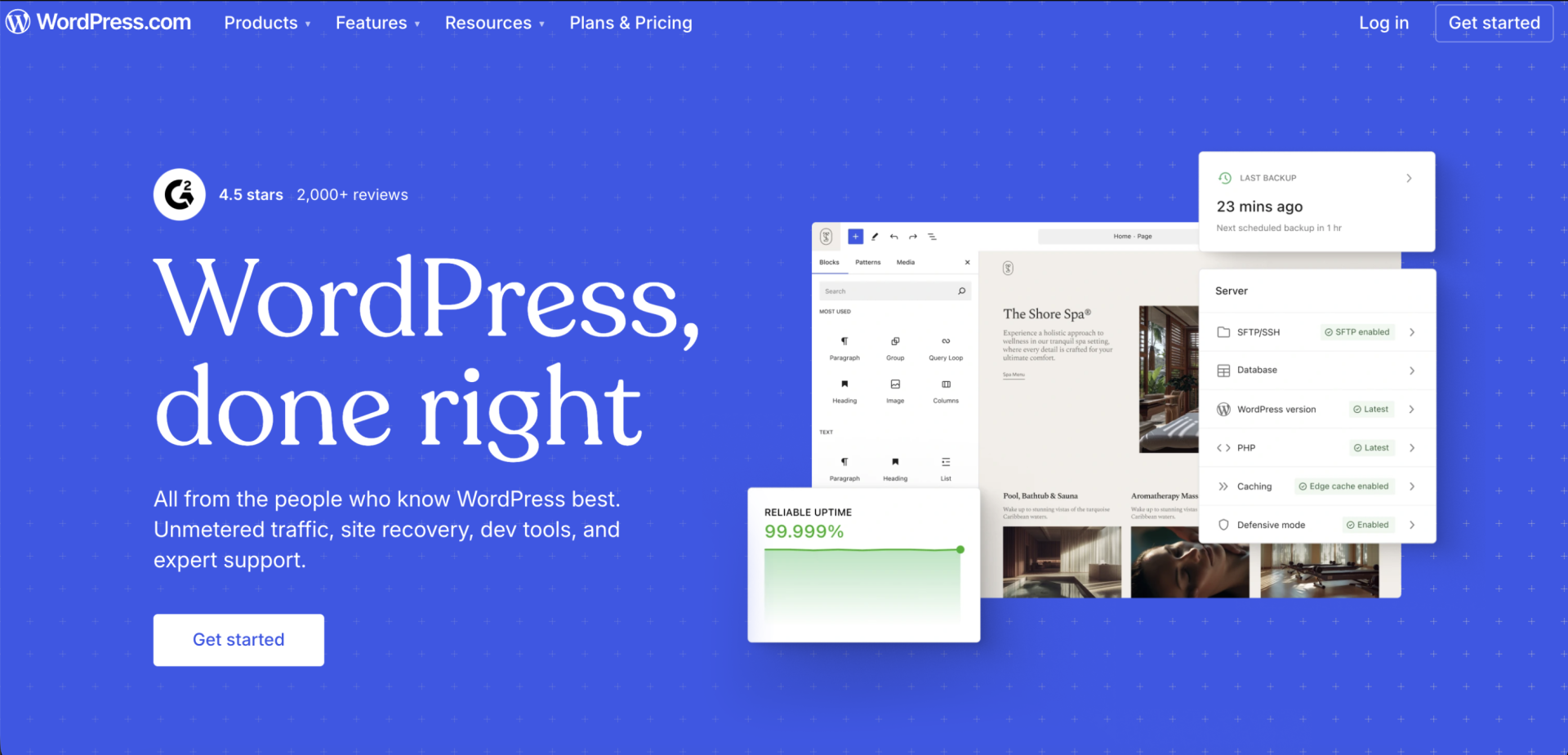
WordPress powers 43.6% of all websites and 63.5% of all CMS-based sites, making it the undisputed leader in CMS platforms. As a leading open source CMS, WordPress benefits from a massive global community, continuous updates, and extensive support resources. This dominance exists for good reason: WordPress was built with content creators and SEO-conscious developers in mind. The platform offers customizable URL structures, native support for different content types, mobile-responsive themes, and an unparalleled ecosystem of SEO plugins like Yoast, Rank Math, and All in One SEO.
WordPress SEO features include intuitive title tag and meta description editing, automatic XML sitemap generation, built-in category and tag taxonomy management, and support for multiple heading levels (H1 through H6) that structure your content for both users and search engines. WordPress allows users to build and manage websites without writing code, making it accessible to non-developers, while still supporting custom code for advanced users who want deeper control. The platform’s REST API enables integration with headless architectures, allowing developers to create custom web pages with full control over code output and performance.
However, WordPress’s strength comes with complexity. While WordPress itself is completely free, additional costs may apply for hosting, premium plugins, or custom domains. The platform’s flexibility means non-technical users often misconfigure critical SEO elements or install conflicting plugins that slow sites down or create security vulnerabilities. Page speed remains a consistent challenge for WordPress sites, particularly those heavy with plugins. Additionally, self-hosted WordPress requires external hosting management, regular security updates, and ongoing maintenance—responsibilities that fall entirely on your organization.
WordPress works exceptionally well for:
- Medium-sized business blogs and content-heavy websites
- Publishers building large content libraries and archives
- Organizations with in-house WordPress expertise or dedicated developers
- Companies needing extensive plugin ecosystems for custom functionality
WordPress challenges for SEO:
- Page speed penalties from plugin bloat and unoptimized code
- Security risks from outdated plugins and themes
- Steep learning curve for non-technical team members
- Potential compatibility issues between plugins as your site scales
Webflow: Modern Design Meets Built-In SEO Features
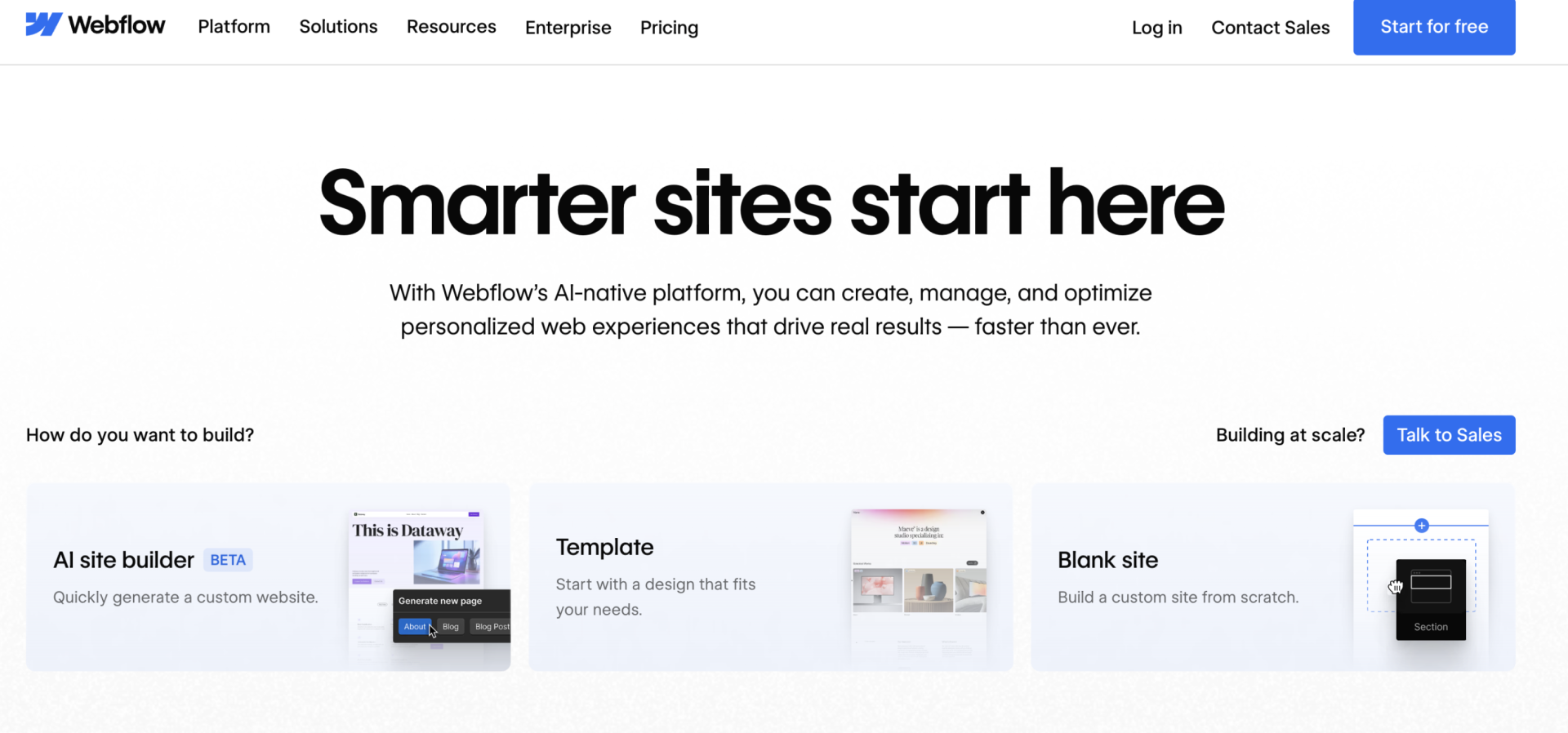
Webflow represents a new generation of SEO-friendly CMS platforms that combine visual design flexibility with technical SEO excellence. Unlike WordPress, Webflow provides fully managed hosting on fast AWS infrastructure, includes a global CDN for superior performance, and offers native code-level controls that developers crave while remaining accessible to marketing teams. Webflow’s visual editing interface empowers both technical and non-technical users to design and update content in real time, streamlining the content management process.
The platform’s SEO capabilities are impressive: customizable meta titles and descriptions at both global and page levels, automatic XML sitemap generation, full control over heading hierarchies, built-in 301 redirect management, integrated image optimization, and comprehensive structured data support. Webflow’s Designer interface allows marketers to edit SEO fields directly without touching code, while developers get access to custom code blocks and HTML/CSS customization for advanced implementations.
Webflow’s built-in hosting eliminates the infrastructure complexity plaguing self-hosted solutions like WordPress. There’s no separate hosting to manage, no plugin conflicts to resolve, and no mysterious performance degradation from bloated third-party code. The platform automatically handles SSL certificates, security updates, and infrastructure scaling—responsibilities that typically consume significant developer resources on traditional platforms.
Webflow excels at creating landing pages for marketing campaigns and editorial content, making it ideal for visual storytelling and rapid publishing. The platform also offers a wide range of customizable design templates, ensuring consistent branding and cohesive visual identity across all digital assets.
Webflow excels for:
- Marketing websites prioritizing design flexibility and brand consistency
- Companies seeking built-in hosting and simplified infrastructure
- Teams wanting to reduce developer overhead while maintaining design control
- Organizations needing fast page load times without extensive technical optimization
Webflow Studio provides advanced features for professionals and businesses seeking greater customization, design control, and technical functionality beyond basic website builders.
Webflow limitations:
- Lower flexibility for complex custom development versus open-source platforms
- Smaller plugin ecosystem compared to WordPress
- Higher monthly costs than self-hosted alternatives
- Steeper learning curve for users accustomed to traditional website builders
Drupal: Enterprise CMS for Complex SEO Requirements
Drupal powers enterprise-level websites and represents the most powerful content management system option for organizations with dedicated technical teams and complex content architecture requirements. Drupal is known for its ability to manage structured content at scale, making it ideal for organizations with intricate content modeling and distribution needs. The platform excels at handling large content libraries with sophisticated metadata, managing multilingual content across global properties, and supporting complex content workflows involving multiple editors, reviewers, and approval processes. Drupal’s modular architecture enables extensive customization, allowing organizations to build flexible, component-based systems tailored to their unique requirements.
From an SEO perspective, Drupal offers unmatched flexibility and complete freedom for developers to control every aspect of the CMS. The platform provides complete control over content structure, URL generation, metadata fields, and code output. Drupal’s modules enable fine-grained control over caching strategies, mobile optimization, and technical SEO configuration. The platform’s performance optimization capabilities rival custom-coded solutions when properly configured by experienced developers.
For fintech companies with complex content requirements, extensive compliance documentation, and large editing teams, Drupal provides the architecture necessary to scale sustainably. The platform’s advanced access control, content versioning, and workflow management enable financial services organizations to maintain strict governance over customer-facing content while ensuring regulatory compliance. A CMS acts as a centralized platform, enabling teams to collaborate efficiently from anywhere.
Drupal is ideal for:
- Large enterprises with dedicated development teams
- Organizations managing massive content libraries
- Companies requiring sophisticated content workflows and governance
- Businesses needing complex multilingual content architecture
Drupal challenges:
- Steep learning curve and significant technical expertise required
- Longer implementation timelines compared to managed platforms
- Higher development costs and maintenance complexity
- Smaller community and fewer pre-built solutions than WordPress
WordPress SEO Features: Everything You Need to Know
Powerful SEO Plugins for WordPress Optimization
While WordPress provides solid built-in SEO functionality, the platform’s true power emerges through its vast plugin ecosystem. SEO plugins allow users to extend functionality beyond WordPress’s core features, enabling customization and the addition of advanced SEO tools through APIs, plugins, or integrations. Yoast SEO, installed on over 5 million websites, remains the most popular choice, offering keyword density analysis, readability scoring, internal linking suggestions, and XML sitemap management. Rank Math provides similar functionality with competitive feature sets, including schema markup suggestions, advanced redirects, and AI-powered content optimization.
These WordPress SEO features transform the platform into a comprehensive optimization toolkit. Real-time analysis as you write helps content creators implement SEO best practices directly during the writing process. Schema markup suggestions ensure your content generates rich snippets and stands out in search results. Advanced redirect management simplifies content migrations while preserving SEO value, and XML sitemap optimization ensures search engines efficiently discover and crawl your entire content library.
However, the plugin-dependent approach creates maintenance challenges. More plugins mean more code loaded on every page, more third-party dependencies to update, and higher risk of conflicts between extensions. Best practices dictate selecting one comprehensive SEO plugin rather than installing multiple overlapping solutions—a discipline many WordPress administrators struggle to maintain as their sites grow.
WordPress Technical SEO Advantages and Limitations
WordPress provides strong technical SEO foundations for most use cases. The platform’s default permalink structure creates keyword-friendly URLs when configured properly. Built-in media handling includes image compression and alt text fields necessary for image SEO. The platform’s extensive theme library ensures most WordPress sites are mobile-responsive out of the box. Compared to other CMS platforms, WordPress offers more granular control over technical SEO elements, making it easier to implement advanced optimizations than many alternative solutions.
Advantages of WordPress for technical SEO:
- Automatic mobile responsiveness through most premium themes
- Native support for category and tag-based taxonomy and content silos
- Built-in AMP (Accelerated Mobile Pages) support for faster mobile rendering
- Flexible content editing enabling proper heading hierarchy (H1, H2, H3, etc.)
- Straightforward internal linking through native editor functionality
Critical WordPress SEO limitations:
- Page speed challenges from plugin bloat and unoptimized code output
- Security vulnerabilities attracting cyberattacks that corrupt content and manipulate rankings
- Complex plugin management creating maintenance overhead and technical debt
- Inconsistent performance across different WordPress hosts and configurations
- Dependency on external hosting reliability for site uptime
Mobile Responsiveness and Core Web Vitals in WordPress
Page speed and mobile responsiveness represent increasingly critical ranking factors. Google confirmed that Core Web Vitals—measuring loading performance (Largest Contentful Paint), interactivity (First Input Delay), and visual stability (Cumulative Layout Shift)—directly influence search rankings.
WordPress sites often struggle with Core Web Vitals due to multiple factors: unoptimized plugin code generating render-blocking JavaScript, images loaded without proper lazy loading, and CSS files loaded for entire pages regardless of what content actually appears above the fold. A typical WordPress blog might load 5-10 separate CSS files and 10-15 JavaScript files, even for simple content pages that require only 1-2 of each.
Resolving these challenges requires technical expertise. Developers must audit active plugins, implement proper caching strategies, optimize images, minify code, and configure servers for optimal performance. Many WordPress sites achieve average Core Web Vitals scores well below what search engines reward, directly limiting their SEO potential.
Headless CMS Platforms: The Future of SEO-Friendly Content Delivery
How Headless CMS Improves Page Speed and Performance
Headless CMS platforms separate the content management backend from the frontend presentation layer, enabling dramatically faster page delivery. Rather than serving HTML dynamically on every request, headless architectures allow frontend frameworks like Next.js and Gatsby to generate static files that load instantly from edge networks distributed globally.
The performance advantages are substantial. Headless CMS platforms deliver page load times 2-3 times faster than traditional systems like WordPress. By eliminating the need for real-time database queries on every page request, headless architecture reduces server strain and enables seamless scaling to millions of concurrent users. For fintech companies serving global audiences, this performance advantage translates directly to improved user experience and better search engine rankings.
The headless CMS market is expanding rapidly, projected to reach $3.81 billion by 2032, growing at a 20.5% annual rate. Enterprise organizations increasingly recognize that the separation between content management and content delivery enables superior speed, flexibility, and omnichannel reach compared to traditional monolithic platforms.
Structured Data Management in Headless Architectures
One of the headless CMS’s most powerful advantages for SEO involves structured data control. Content editors define precisely how content maps to schema markup fields. Unlike traditional systems where developers embed schema tags in page templates, headless architectures enable marketers to manage schema directly within content modeling, ensuring consistency across all content pieces and channels.
Contentful, a leading headless CMS, enables teams to create sophisticated content models with customizable fields for all relevant schema properties. A fintech company publishing loan-related articles could define schema fields for product schema, organization schema, article schema, and custom financial properties—all managed directly by content teams without developer involvement.
This level of control ensures structured data consistency, improves knowledge graph eligibility, and increases the probability of earning featured snippets and enhanced search results. Additionally, centralized schema management makes updates and corrections simple—change the schema once, and the update automatically propagates across all content channels.
Multi-Channel Content Delivery for Modern Websites
Traditional CMS platforms create content once, publish it on one website, and stop. Headless CMS platforms unlock true content reuse across web properties, mobile applications, voice assistants, IoT devices, and emerging AI-driven interfaces. A single piece of fintech content published to a headless CMS could automatically be available through your website, mobile app, Alexa skill, embedded widgets on partner sites, and more. Modern audiences engage with brands across diverse channels, including websites, mobile apps, IoT devices, and social platforms.
This omnichannel approach offers significant SEO advantages. Content reaches more people through more channels, improving domain authority and thought leadership perception. Additionally, content distributed through multiple channels generates more backlinks and social signals, further boosting domain authority and organic search visibility.
Essential SEO Features: What to Look for in Your Next CMS
Customizable Meta Tags and URL Structure Controls
Your CMS must provide complete control over all elements that communicate content purpose to search engines. Title tags should be customizable at the page level with clear character count indicators (targeting 50-60 characters for optimal display). Meta descriptions need granular control to craft compelling summaries matching your target intent (150-160 characters).
URL structure represents another critical consideration. Your platform should enable custom URL slugs that incorporate target keywords naturally rather than forcing date-based or ID-based paths. Additionally, the ability to modify URL structure should include automatic redirect management to prevent SEO value loss when reorganizing content.
Canonical tag management is essential for managing content appearing in multiple formats or across multiple pages. A well-configured CMS enables editors to specify canonical relationships automatically, ensuring search engines understand your preferred content version and consolidate ranking signals appropriately.
XML Sitemap Generation and Redirect Management
XML sitemaps serve as blueprints of your entire website structure, submitted to search engines to ensure comprehensive crawlability. Your CMS should generate XML sitemaps automatically as you publish new content and update existing pages. The platform should support sitemap fragmentation for large websites (Google recommends limiting each sitemap to 50,000 URLs), enable custom sitemap configuration for different content types, and support XML sitemap indexing for complex website structures.
Redirect management capabilities are equally important, especially during content migrations or website reorganizations. Your CMS should enable bulk redirect creation (important for managing dozens or hundreds of URL changes simultaneously), support regex patterns for complex redirect rules, and provide clear auditing capabilities to identify broken redirects that waste crawl budget.
Built-In Analytics Integration and Content Optimization Tools
The most effective CMS platforms integrate tightly with web analytics tools like Google Analytics 4, enabling real-time visibility into which content attracts organic traffic, generates conversions, and engages audiences. This integration allows content teams to understand performance data without manually accessing external analytics platforms.
Beyond analytics integration, modern CMS platforms increasingly include native SEO optimization tools. These might include keyword research integration suggesting high-value target terms, competitor analysis showing what your competitors rank for, content gap analysis identifying underserved topics your organization should address, and readability scoring ensuring content meets your audience’s comprehension level.
Content Management and Delivery: Beyond SEO
While SEO remains a core driver for selecting a CMS platform, the modern content landscape demands more than just search optimization. Effective content management systems must also excel at delivering content seamlessly across a variety of digital channels, ensuring a consistent and engaging user experience wherever your audience interacts with your brand.
A headless CMS is particularly well-suited for this challenge. By decoupling the backend content management from the frontend presentation, a headless CMS enables organizations to deliver content to websites, mobile apps, and emerging digital channels with maximum flexibility. Developers can use their preferred frameworks and tools to build fast, responsive interfaces, while content teams manage and update information centrally. This architecture not only accelerates content delivery but also supports scalability as your business expands into new platforms and markets.
Streamlining Content Workflows for Teams
A good CMS does more than just store content—it streamlines the entire workflow for content teams. Features like collaborative editing, version control, and workflow management allow multiple users to contribute, review, and approve content efficiently. This reduces bottlenecks, minimizes errors, and ensures that only high-quality, approved content goes live.
Advanced workflow management tools also enable teams to track performance at every stage of the content lifecycle. By monitoring progress and identifying areas for improvement, organizations can continuously refine their processes, resulting in faster turnaround times and more effective content delivery. For businesses managing complex content operations or multiple contributors, these capabilities are essential for maintaining agility and quality at scale.
Optimizing Content Delivery for User Experience
Delivering an exceptional user experience requires more than just fast load times—it demands personalized, relevant, and easily discoverable content. A CMS that supports structured data and XML sitemaps helps search engines understand and index your content more effectively, increasing visibility and driving organic traffic.
Integration with analytics platforms and built-in analytics tools allows teams to monitor user behavior, preferences, and engagement in real time. This data-driven approach enables content creators to tailor their strategies, delivering more targeted and compelling experiences that resonate with their audience. By prioritizing features that enhance both content delivery and user experience, a CMS becomes a powerful engine for driving traffic, engagement, and conversions across all digital touchpoints.
Custom Development: Tailoring Your CMS for Unique SEO Needs
For organizations with specialized requirements or ambitious SEO goals, off-the-shelf solutions may not provide the level of flexibility or control needed to stand out in competitive markets. In these cases, custom development of a CMS offers the opportunity to build a platform tailored precisely to your business objectives and technical landscape.
A custom CMS can be engineered to integrate seamlessly with your existing marketing tools and analytics platforms, ensuring unified data flows and streamlined reporting. With complete control over content structure and delivery, businesses can implement advanced SEO strategies, optimize for unique ranking factors, and create exceptional digital experiences that differentiate their brand.
Custom development also allows for the incorporation of specialized features—such as bespoke workflow automation, granular access controls, or unique content modeling—that may not be available in standard CMS offerings. However, this approach requires significant technical expertise and ongoing resources to maintain and evolve the platform. Organizations must weigh the benefits of full control and customization against the demands of increased complexity and the need for dedicated technical knowledge.
For businesses operating in highly regulated industries, managing complex web apps, or seeking to push the boundaries of digital content, a custom CMS can deliver the agility and performance needed to achieve long-term SEO success and sustained competitive advantage.
CMS Comparison: A Practical Evaluation Framework
When selecting your next CMS platform, evaluate options using this systematic comparison. Some platforms also function as a website builder, offering varying levels of customization, user-friendliness, and hosting features to suit different project needs:
| CMS Feature | WordPress | Webflow | Drupal | Shopify |
|---|---|---|---|---|
| Metadata Control | ✓ (via plugins) | ✓ (native) | ✓ (via modules) | ✓ (built-in) |
| Custom URL Structure | ✓ (via settings) | ✓ (native) | ✓ (via modules) | Partial |
| XML Sitemap | ✓ (via plugins) | ✓ (automatic) | ✓ (via modules) | ✓ (automatic) |
| Redirect Management | ✓ (via plugins) | ✓ (native) | ✓ (via modules) | Limited |
| Page Speed | Variable | Excellent | Good (if optimized) | Excellent |
| Mobile Responsive | ✓ (theme dependent) | ✓ (native) | ✓ (if configured) | ✓ (native) |
| Structured Data Support | ✓ (via plugins) | ✓ (via fields) | ✓ (via modules) | ✓ (limited) |
| Hosting Included | ✗ | ✓ | ✗ | ✓ |
| Customization | High | Moderate | Very High | Low |
Fast Facts
- Over 68.7% of all websites use a content management system, with WordPress powering 43.2% of the entire web and 60.5% of all CMS-based websites.
- Page speed directly influences rankings: Websites with fast Core Web Vitals scores rank approximately 25% higher than slow-loading competitors, making CMS performance optimization a critical SEO factor.
- Headless CMS platforms are the fastest-growing category, projected to expand at 20.5% annually through 2032, enabling superior speed and omnichannel content delivery compared to traditional monolithic systems.
- Mobile-first indexing is Google’s standard, meaning your CMS must prioritize mobile user experience and responsive design throughout your entire content library, not just on select pages.
Conclusion
Choosing the best CMS for SEO requires evaluating your organization’s technical capabilities, content complexity, growth trajectory, and long-term vision. Selecting the right CMS can provide a significant SEO advantage over competitors by offering specialized tools and features that boost your website’s visibility in search results. WordPress remains the most popular choice due to its flexibility, massive ecosystem, and mature plugin landscape—particularly for content-focused organizations with existing WordPress expertise. However, modern alternatives like Webflow deliver superior out-of-the-box SEO capabilities and built-in hosting that eliminate infrastructure complexity, while headless platforms enable the omnichannel flexibility increasingly necessary for contemporary digital experiences.
For B2B fintech companies building credibility and ranking for high-value keywords, the right content management system balances technical SEO excellence, security and compliance requirements, content governance capabilities, and long-term scalability. Evaluate platforms not on popularity alone, but on their ability to deliver the specific SEO capabilities your organization needs to attract qualified leads and establish thought leadership in financial technology markets. Identifying the best CMS platform for your needs is essential for long-term SEO success, as your CMS choice today directly determines your search engine visibility and competitive position for years to come.
FAQ
What makes WordPress such a popular choice for SEO despite technical limitations?
WordPress dominates due to its massive ecosystem of SEO plugins, extensive developer community, free open-source availability, and mature feature set. Organizations can solve most SEO challenges through plugin solutions, though this requires technical management and ongoing maintenance discipline.
How does Webflow’s built-in hosting advantage improve SEO compared to self-hosted WordPress?
Webflow’s managed infrastructure includes automatic performance optimization, built-in CDN distribution, SSL certificates, security updates, and uptime guarantees—eliminating infrastructure complexity that typically requires dedicated developers to manage on self-hosted platforms like WordPress.
Should fintech companies consider headless CMS platforms for their regulatory content?
Absolutely. Headless CMS platforms provide superior performance, flexible content modeling for complex regulatory requirements, centralized compliance documentation management, and the ability to deliver content securely across multiple digital channels and controlled environments.
What’s the minimum acceptable Core Web Vitals score for ranking in competitive fintech keywords?
Google doesn’t publish specific score requirements, but websites with Core Web Vitals in the “good” range (>75 for all metrics) consistently rank higher than those in “poor” ranges, especially in competitive markets where multiple similar-authority sites compete for the same keywords.
Can a non-technical team successfully manage WordPress SEO without developer support?
While WordPress is relatively user-friendly, effective SEO implementation typically requires at least basic technical understanding or ongoing developer support. Many organizations benefit from hiring WordPress experts to optimize structure, manage plugins, and maintain performance rather than attempting implementation without technical expertise.
How does structured data management differ between traditional and headless CMS platforms?
Traditional CMS platforms embed schema markup in page templates, requiring developer changes to update site-wide. Headless platforms enable content editors to manage schema directly within content modeling, allowing rapid updates and ensuring consistency across all content without developer involvement.
What is WordPress VIP and how does it benefit enterprise SEO?
WordPress VIP is an enterprise-level managed hosting solution designed for high-traffic and business-critical websites. It offers advanced scalability, robust security, and seamless integration with enterprise tools. For organizations focused on SEO, WordPress VIP provides reliable infrastructure, automatic updates, and performance optimization—helping large brands maintain fast, secure, and scalable sites that support advanced SEO strategies.
Call to Action
Evaluate your current CMS platform against the SEO capabilities outlined in this guide. Does your system provide complete metadata control? Can you easily manage XML sitemaps and redirects? Is your page speed passing Core Web Vitals benchmarks? If your current platform is failing in critical areas, consider scheduling a consultation with CMS specialists to explore alternatives better aligned with your business goals and SEO requirements. The right content management system is one of the highest-ROI investments in your digital strategy.